Smart Home
Good news
Originally I had to reinstall the Raspberry Pi desktop system, PVE8, and HomeAsisstant system on the Raspberry Pi 4B
Now I have found the 128GB TF card, and all the systems installed on it are there, which means I saved half a day, and now I can use it immediately after plugging in the power and connecting the network cable.

PVE
Why choose the Raspberry Pi desktop system?
Because the Raspberry Pi system is modified based on the Debian system, it also means that the pve system can be installed on the Raspberry Pi system
Why is it a desktop system?
Because the Raspberry Pi is intended to be used as both a server for smart homes and a visual panel system for smart homes. It can run browsers and other visual interfaces (Raspberry Pi can be connected to the screen for visual interfaces and interactive operations)
Why install PVE?
Because other complete versions of systems can be installed on the basis of PVE, such as the complete version of the HomeAssistant system, which has many more functions than docker or other installation methods. Secondly, HA OS also relies on some third-party open source applications, such as ESPHome, such as MQTT, which can be installed by installing Ubuntu Server and Docker, and they are in the same PVE environment and the same network
It is also more convenient to backup and restore the system
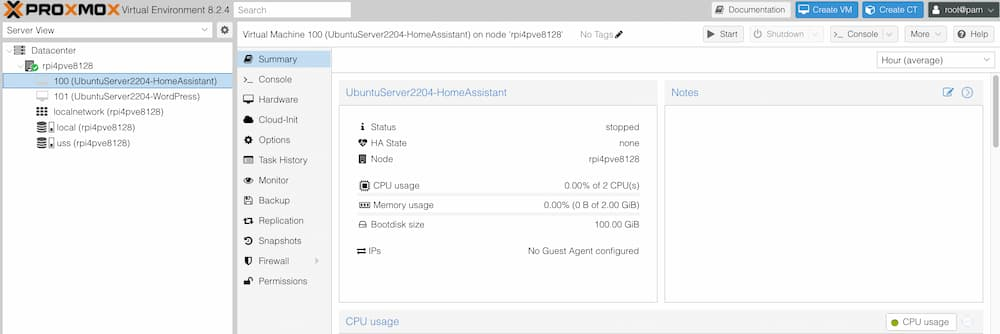
Raspberry Pi 4B
From the aapanel panel above, you can see that the memory of this Raspberry Pi 4B is 4GB
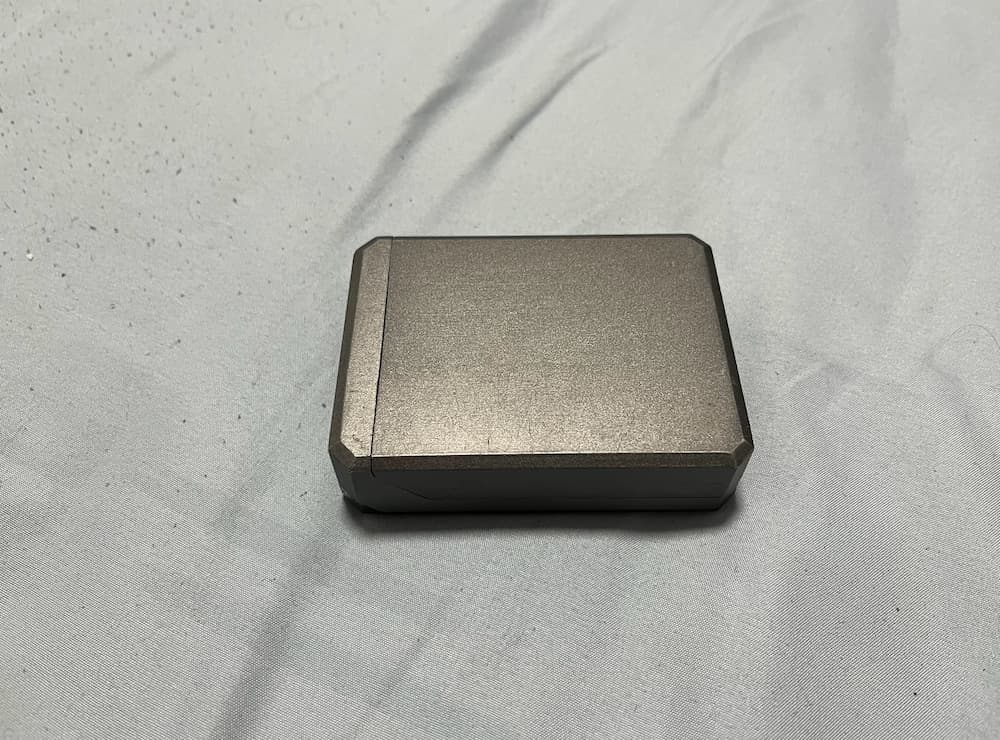
The picture below is its shell. I have placed it on the fan of the heat dissipation base and started running the server 24 hours a day.
Tips
It is early morning now
Wait until tomorrow when I wake up and have time to install the Home Assistant system
Then set up the basic DHT11 temperature and humidity sensor, etc.