Document server
Everything related to office work is on my Orange Pi 3B development board.
Everything related to entertainment is on a mini-PC with an x86 architecture. After all, for games, video/audio decoding, music, etc., the x86 architecture has a better ecosystem and requires higher power consumption, while a document server doesn’t.
WordPress is also part of my document library, as it’s essentially a public collection of notes and quotes.
I’ve heard that the official Raspberry Pi website is a cluster of four Raspberry Pi local servers, meaning the website is hosted locally and traffic is proxied in the cloud.
My document server mainly contains private documents, a public blog, a personal office suite, and private passwords.
Specific projects
The image below shows some applications I’ve deployed using Docker.
First, I’ll list the frequently used ones, then the ones that weren’t used but were deployed.
The red boxes indicate applications used multiple times; the ones without red boxes are deployed but rarely used.

Showdoc is my most frequently used, daily tool because it’s where I keep all my local documents, accounts, and text records. This includes things like YouTube operations, my one-person company, my digital nomadic lifestyle, and my daily journal and to-do lists. I’ve used Outline, Wikijs, GitBook, VuePress, WziNote, and other open-source projects, but currently only Showdoc meets my needs for multi-level directories, project encryption, article sharing, and Markdown syntax. While it has its drawbacks, I’ve found other free and open-source alternatives.

Secondly, there are four WordPress blogs, all deployed with Docker on this development board. One is an AI blog, one is a homelab blog, one is a news feed blog, and one is a digital nomad blog. The homelab blog you see now is deployed on this board, and I am constantly updating its content.
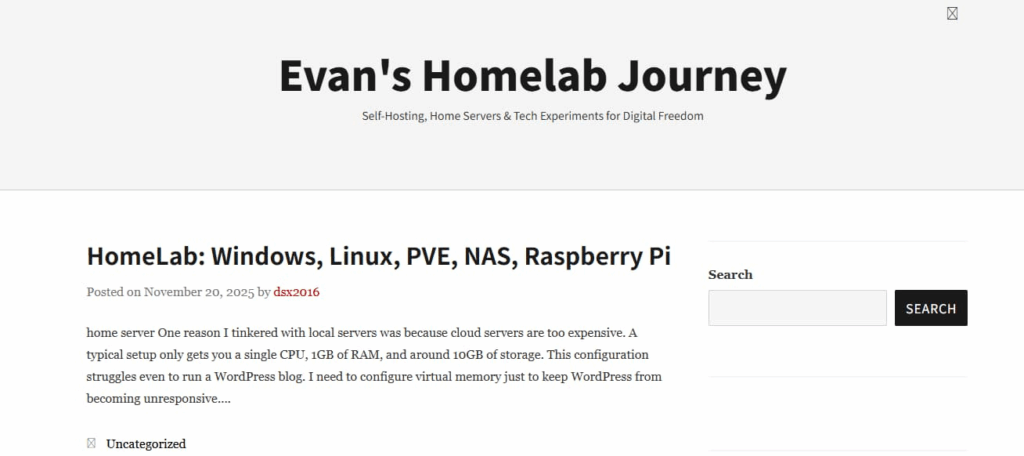
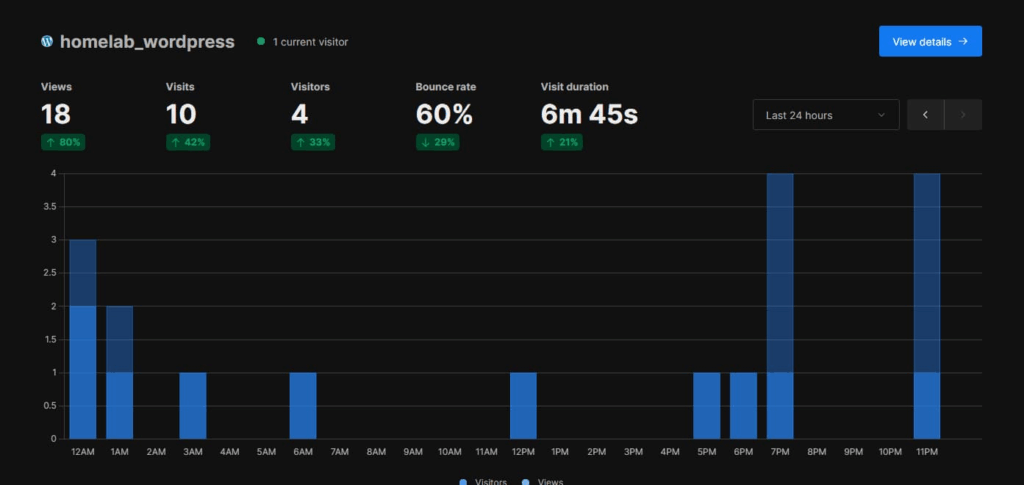
Related to blogs is Umami website data tracking and statistics. The reason for deploying a local server is to keep the data under my own control. While Google Analytics is available, if your Google account is banned, Google Analytics reports errors, or other issues arise, you lose all your website data.
Therefore, I made a second preparation: building my own Umami to collect website access data. I can view it anytime, offline, even a year or ten years later. It doesn’t require public login, is free, and I can add as many of my own websites as I want.
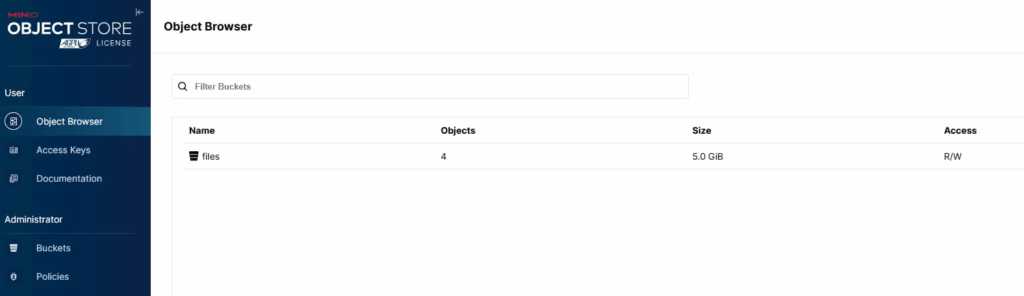
Minio is a distributed storage service that can be used as an image host, a self-hosted CDN, and a cloud drive. You can store images in Minio and then store the image URLs in WordPress, separating image traffic from blog traffic. This improves website access speed and provides excellent image storage.
You can also store image URLs in Markdown, and store video files, GIFs, etc., for use on your blog as course content. Currently, I rarely use this, as I’ve decided to keep blog images on my blog for easy organization, backup, and migration.
NextCloud is an office suite that supports PowerPoint, Excel, and Word documents; drawing tools like Draw; mind mapping; calendars; music playback; note-taking; tagging; and more.
It has many plugins, and importantly, it’s a lightweight cloud storage service with photo syncing.

tips
I won’t go into detail about the other features that weren’t used much.
It’s already past midnight, I need to sleep.